
Educational guide · Clinically reviewed
PD labels: a quick reference
Keep the label with the number.
Made-up examples. Do not use these numbers to order glasses.
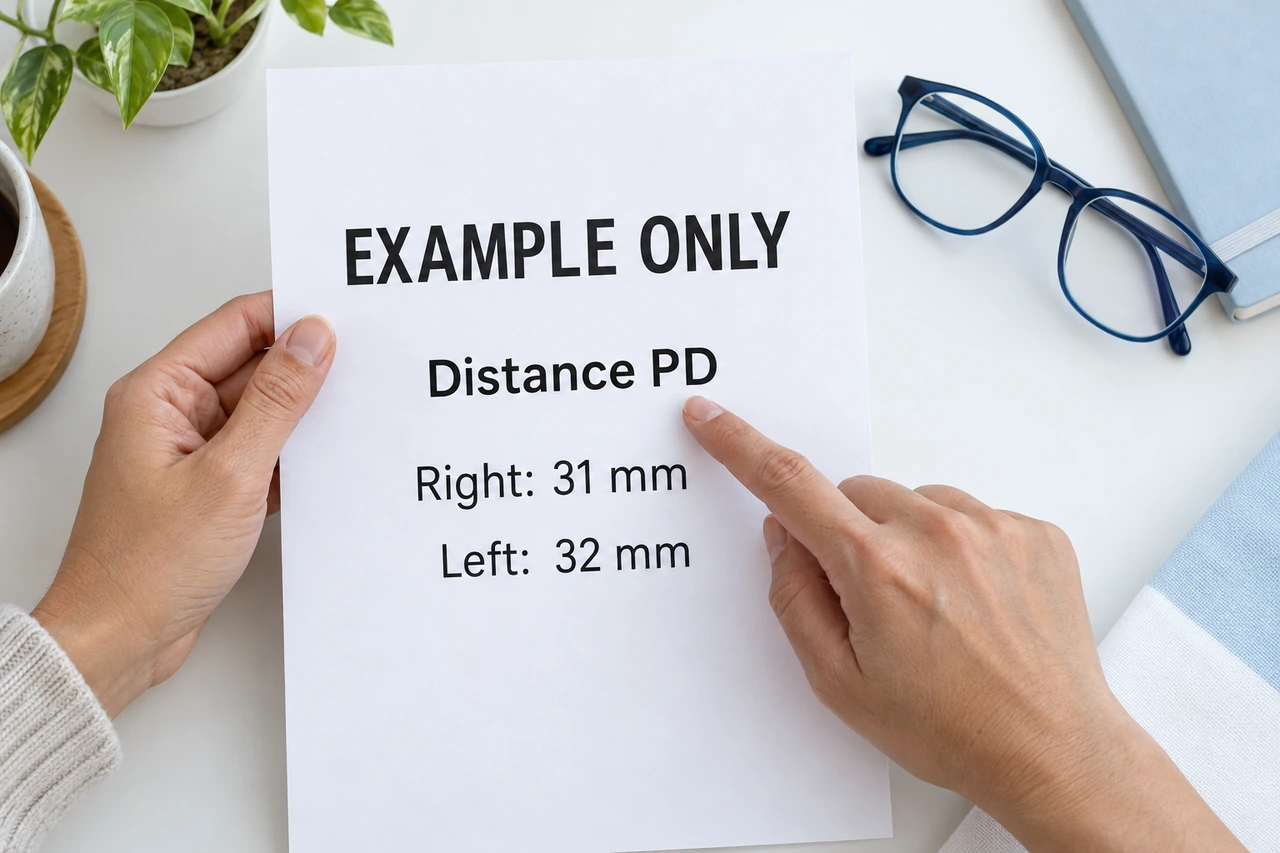
AI-generated examples. New instructional images: clinical review pending.
Sample labels
One number
Sample report text: PD: 63 mm
This is a single, or binocular, PD. The example does not say distance or near.
Ask: Is this number for distance or near?
One number for each eye
Sample report text: Distance PD: Right 31 mm / Left 32 mm
This example gives a distance PD for each eye. Right and left are clearly labeled.
Ask: Does the order form ask for these two values or a total?
Two viewing tasks
Sample report text: Distance PD: 63 mm / Near PD: 60 mm
These numbers are labeled distance and near. They are not right and left values. The example does not give a near working distance.
Ask: Which labeled measurement does this order need?
Labels missing
Sample report text: 63 / 60
A slash alone does not tell you what these numbers mean. Ask the source to explain the labels.
Ask: What does each number describe?
Distance and near
Distance PD is for far-away viewing. Near PD is for close-up viewing. A near number may state a working distance, such as Near PD: 60 mm at 40 cm. That distance belongs to that sample only. Do not subtract a fixed amount to get near PD.
Before you copy a number
- Find the PD label on your report.
- Check the kind: one total, a number for each named eye, or distance and near.
- Match it to the fields the retailer asks for.
- If anything is unclear, ask the source of your report. Do not guess labels or split a number.